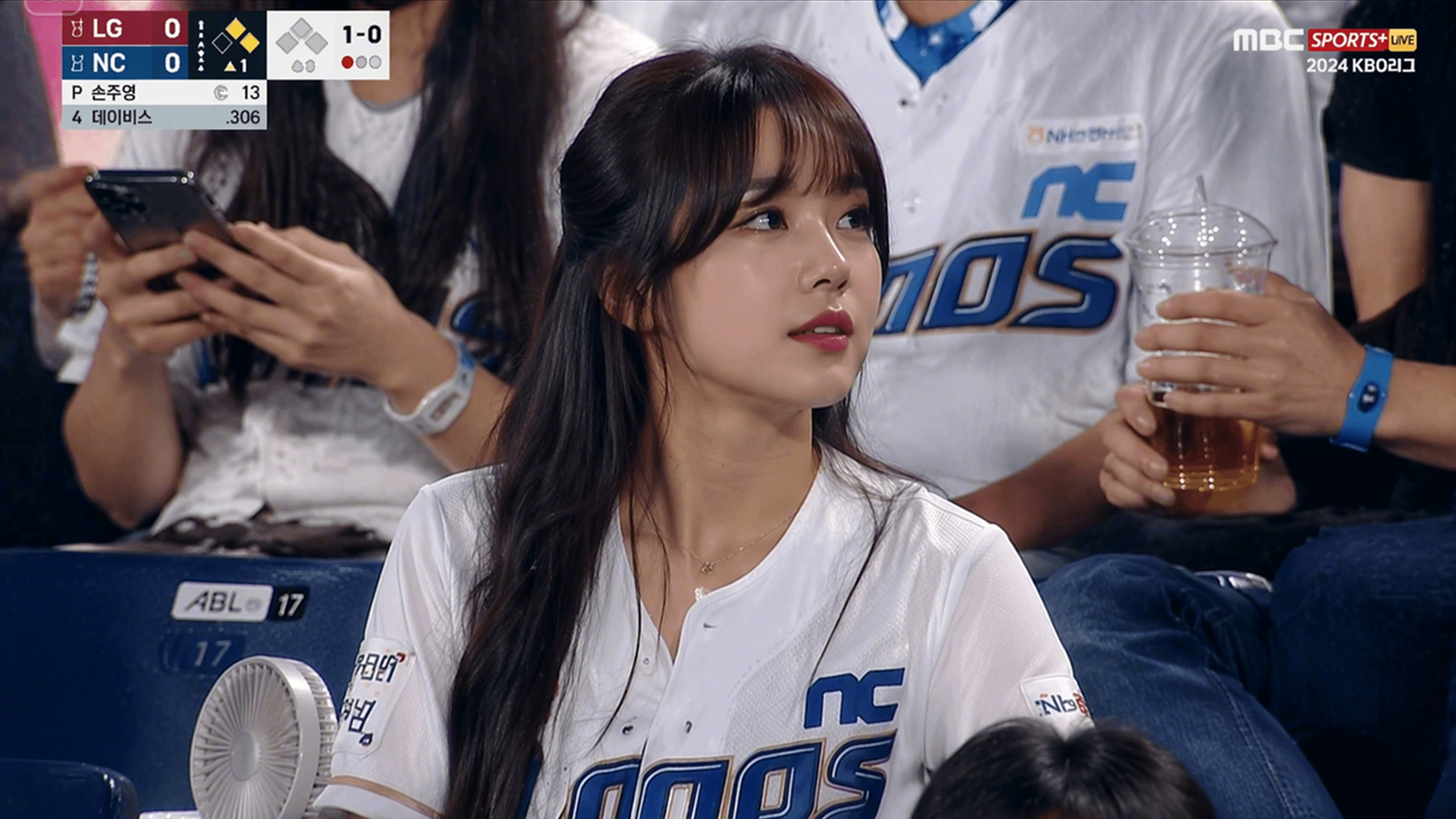
It is said to "never meet your heroes." Well, what if you could get a selfie with them without necessarily meeting them? While physical meet-ups are quite rare, it is now possible to recreate these experiences digitally. Today, thanks to technological advancements, fans can now create realistic, top-level memories with their favourite celebrities from the comfort of their homes. This guide will walk you through a step-by-step process to craft an AI image of any celebrity you choose. We will also share tips for crafting a perfect celebrity selfie.
How to generate selfies with a celebrity using an AI generator
The emergence of AI has greatly expanded the possibilities of reality, with celebrity selfies evolving from simple face swaps to full-face generation. Dreamina stands out as an AI photo generator that helps produce realistic images of celebrities with perfect lighting, composition, and integration. By simply uploading your photo, you can craft a natural-looking selfie with a celebrity of your choice with Dreamina's powerful Seedream 5.0 model, which excels in image-to-image transformation, making it perfect for fan content, social media posts, and creative projects.

Steps to create an AI photo with a celebrity using Dreamina
Ready to learn how to create a free selfie with celebrity AI? Click the link below and get started with Dreamina.
- step 1
- Upload your image
To get started, log in to Dreamina and navigate to the "AI Image" section. Then, click on the + sign and upload a selfie of yourself. After uploading your image, enter your prompt explaining the celebrity you would like to generate by your side. Add details you would want to see in your image.
For example: A photorealistic selfie of Lebron James and me at a cozy coffee shop, both smiling warmly at the camera, sitting side by side with coffee cups on the table, natural window lighting from the left, casual and friendly atmosphere, an iPhone candid photo style.

- step 2
- Generate your celebrity selfie
Once you have entered your prompt, you can now set the model to Image 4.5 by Seedream 4.5 for greate effects. Select your preferred aspect ratio and resolution, then click "Generate".

- step 3
- Download and share
Once your images have been generated, click to select the result you would like and preview it. Then, click on "Download" at the top of your page to save.

Explore more AI magic:
- 1
- AI Agent: Dreamina's AI agent works full-time, continuously tending to your needs. You can always chat with the agent about different content ideas and concepts. Dreamina's AI agent also helps you to generate images in batches of up to 40 images at once, while maintaining consistent quality.

- 2
- Interactive editing: With Dreamina Seedream 5.0's Interactive editing tool, you can make precise edits to your image. Once you upload your image, click and select the area you want to edit, and use a text prompt to modify it to your liking.

- 3
- Creative upscale: Automatically enhance your image's resolution with Dreamina's "Creative upscale" tool. The Creative upscale tool lets you enhance your image quality, seamlessly boosting it from 2K to 4K and even 8K, to create a top-level, professional look perfect for social media.

- 4
- Magic expand: With Dreamina, you can also enlarge your image beyond preset standards. Thanks to Dreamina's "Expand" tool, you can now enlarge your image, filling the background image to match the original design.

- 5
- Remove background: What if you don't really like the background of your image? Or maybe, you just want to get rid of the background completely? Dreamina's "Remove background" tool gets the job done with ease by neatly cutting out the background of your image, leaving the subject perfectly carved out.

How to make a selfie with a celebrity using a photo blend tool
In the scenario where you already have a perfect photo of a celebrity and just want to insert yourself next to it, the photo blend tool seems like the perfect choice. Blieve AI offers such services, specializing in matching the physical positioning and scale of two separate subjects. Blieve AI offers an advantage with a simplified interface that simplifies photo blending.

Steps to create a celebrity selfie with Blieve AI
- step 1
- Upload images
After logging in, navigate to the "Upload details" section. Click on the first box tagged "Image" to upload an image of yourself. Then, click on the second box tagged "Celebrity image" to upload an image of the celebrity you want to blend in.

- step 2
- Input background and generate
After uploading your images, scroll down and enter your desired background. Then click on the "Generate" button.

- step 3
- Download and publish
Once your images have been generated, click to select the result you would like and preview it. Then, click on "Download" at the top of your page to save.

Key features
- 1
- Background mapping: Blieve AI does not just stop at image blending. It goes a step further by crafting a background of your choice. With Blieve AI, you can also generate an environment around the subjects of the image, significantly eliminating the weird floating effect in edited images. 2
- Dual-Image Input: Blieve AI provides the opportunity for you to upload two specific images rather than receiving a random image blend. By uploading a preferred photo of you and the celebrity, you can be guaranteed of the exact results you want. 3
- Aesthetic focus: On today's internet, where polished AI can look fake, Blieve AI stands out with its candid aesthetic focus, recreating the raw, unpolished look of a social media story or a shaky phone camera snap. Due to this feature, your results look more natural.
How to create an AI celebrity image using editing software
As a creator, if you're looking for total control of your result, trying out editing software will give you fantastic results. Kapwing is a great example, with its full-featured editing, which allows you to generate and modify specific layers of your celebrity selfie. This tool provides an edge, especially for users who want to transform these celebrity selfies into a social media campaign, with custom text and filters available.

Steps to create celebrity photos with Kapwing
- step 1
- Upload image
After logging in, navigate to the "Attach media" button. This will lead you to your file directory, where you can select and upload your selfie.

- step 2
- Enter the prompt and generate
After uploading your image, click on the text box and enter your prompt describing the celebrity selfie you want to create. Then click on the generate icon.

- step 3
- Download
Once your images have been generated, click on the download icon to save your generated image to your device.

Key features
- 1
- Chat-Based Prompt Engineering: Unlike most tools, Kapwing allows you to talk back to the AI, sending modifications like "make the lighting warmer" or "move subject to the left" via chat, enabling you to get the exact result you're searching for without regenerating your image. 2
- Multi-Layer Editing: Kapwing provides more than image-generating capabilities by providing a full editor that allows you to precisely modify your results. You can add professional overlays, filters, custom texts, or even brand logos to your result after generation. 3
- Custom Kai: Kapwing allows you to save your favourite styles as a Custom Kai, meaning you can safeguard your best image styles for future use. For example, if you find a specific polaroid effect that you like, you can save it as a Custom Kai and reuse it for future projects.
5 tips to crafting a perfect selfie with celebrity AI prompts
- 1
- Specify realistic settings and scenarios: Generating realistic celebrity selfies goes beyond the celebrities themselves. You also have to select realistic locations and settings that make sense for a celebrity encounter. Pick scenarios like concerts, events, and casual settings for a believable celebrity selfie generation. Using prompts like "backstage corridors" or "crowded red carpet premiere", for example, will help create more realistic results. 2
- Describe natural poses and interactions: It is also essential to use authentic poses, as body language plays an important part when assessing the authenticity of celebrity selfies. Using posing prompts that include "arm around shoulder" or "both smiling at the camera" reflects a genuine moment between people rather than a stiff image of people standing side by side, which may look layered. 3
- Match lighting and photography style: Lighting also plays a critical role in determining how realistic a selfie is. Celebrity selfies are usually from random meetups, rather than studio photography sessions. Hence, your image should have a simple lighting source. You can use prompts like "harsh flash" or "slight motion blur" to emphasize the fact that it's a normal selfie photo, and not a professional studio session. 4
- Include emotional context and mood: Finding a way to include feelings in your image goes a long way in proving its authenticity. Using emotional keywords in your prompt, like "surprised run-in at a gala" or "excited afternoon vibe," shows the emotions attached to these scenarios. These cues also allow the AI to adjust facial expressions to match the narrative of your meetup. 5
- Iterate and refine your prompts: It is quite difficult to generate a perfect celebrity selfie on the first try. Hence, it is essential to try different variations. Experiment with your prompts. Try different celebrities, settings, and poses. Adjust the camera angles and lens type until you find the perfect result.
Conclusion
In this fast-paced digital world, creating a selfie with celebrity AI has become a seamless design process. Starting out as a hectic editing task, meeting your favourite stars virtually now feels like a cheerful creative experience. In this guide, we have uncovered 3 distinct methods to craft a selfie with celebrity AI, exploring tools with clinical editing capabilities and impeccable user interface. However, Dreamina still comes out on top with its absolute edge, generating professional-level, realistic results. Dreamina's Seedream 5.0 model generates natural-looking images with perfectly integrated lighting, shadows, and background setup, instantly capturing viewers' attention. Are you trying to create engaging celebrity selfies with AI? Try Dreamina today.
FAQs about creating selfies with celebrities
How realistic are AI-generated celebrity selfies?
With traditional face-swap tools, you may receive disappointing, artificial-looking results that often look like a copy-and-paste job. However, AI-generated celebrity selfies use advanced algorithms to craft more realistic, professional-grade images. Dreamina, for example, has a significant edge with its Seedream 5.0 model, which creates realistic skin textures, lighting, and poses, reflecting its advanced generation quality.
How can I get a proper selfie with a celebrity prompt for a perfect result?
The key to getting a perfect celebrity selfie prompt is attention to detail. You don't need to be an expert designer to craft a perfect celebrity selfie with an AI generator like Dreamina. Dreamina's AI agent is here to assist you like a virtual creative partner, listening and taking note of the details you're listing out. With its interactive workflow, you can now find the perfect composition without prompt guessing.
What's the best free AI celebrity image generator tool?
The best celebrity image generator tool is the one that generates top-tier, realistic results without the barrier of high cost. This is where Dreamina excels. Dreamina offers you free daily credits, allowing you to experiment extensively and generate professional results without subscription costs. Dreamina also offers advanced features like the "Creative upscale" and "Expand" tool, allowing you to modify these generated results to your taste.
For more related articles on image generation, check out the following: