Dreamina Seedance 2.0 Video Generator


Key features of Dreamina Seedance 2.0 AI video generator
Discover the powerful features that make our product stand out from the competition.
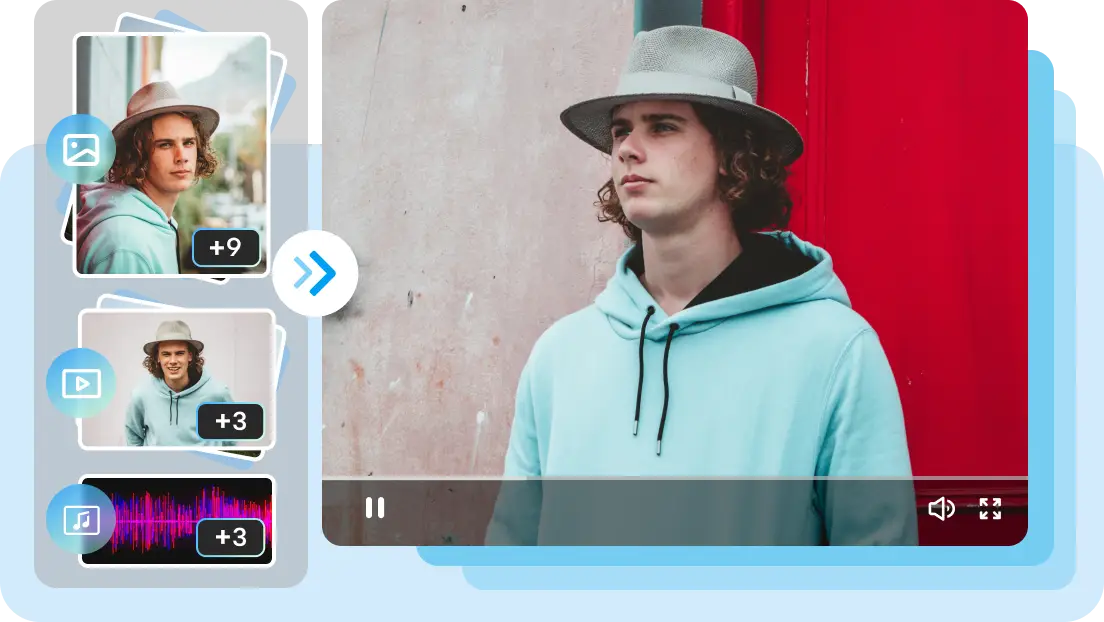
Advanced multimodal reference input
Dreamina Seedance 2.0 supports multimodal input of images, videos, supports multimodal input of images, videos, audio, and text, and can add up to 12 clips per project (9 images, 3 videos, and 3 audio clips, with video/audio clips up to 15 seconds long), enabling the creation of high-quality 1080p videos. You can easily replace or add video elements while maintaining character consistency. Dreamina Seedance 2.0 can also learn effects, camera movements, actions, and editing styles, replicating complex or popular scenes with a single click. Additionally, you can convert your images into videos using Seedance image to video features for seamless content creation.

Precise control for effortless video creation
Seedance 2.0 official website can accurately reproduce the character details, composition, and sound of reference materials in video creation, while maintaining consistency between characters and objects. It can also unify font styles and precisely control the details and rhythm of the screen, making scene transitions natural and smooth, and making the entire creative process more controllable and convenient. Using the Seedance video generator, creators can ensure professional-quality outputs every time.
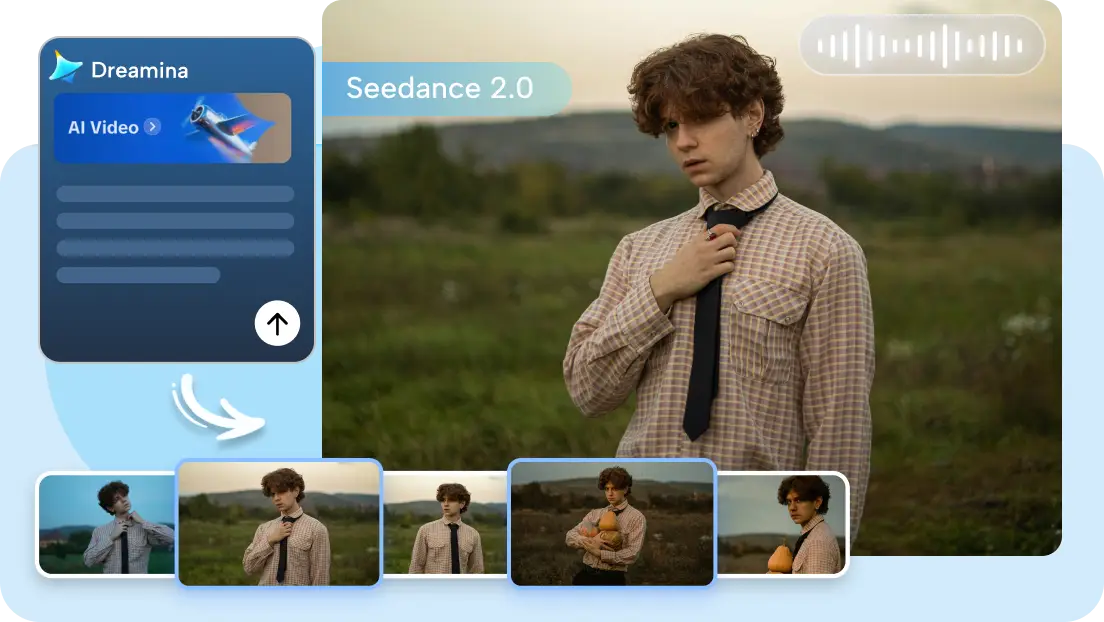
Seamless multi-camera storytelling
Dreamina Seedance 2.0 can not only generate new storylines based on instructions, but also continue existing videos, achieving a natural connection between plot and shots. It comprehensively upgrades multi-camera storytelling capabilities, significantly improving audio-visual synchronization. Whether in single-person or multi-person scenes, character narration, environmental sound effects, and visuals are precisely synchronized, enhancing realism. Leveraging bytedance video generation, Seedance 2.0 provides professional-grade content creation.

End-to-end AI video creation
With Seedance 2.0 official website, creators can go from concept to final video without leaving the platform. Use Seedream 5.0's AI image capabilities to design storyboards, plan shots and scenes with AI Agent, and bring characters to life with AI Avatar. All elements—story, visuals, scenes, and lifelike digital humans—work together seamlessly, providing a complete one-stop solution for bytedance video generation using Seedance API.
Benefits of using Dreamina Seedance 2.0 AI video generator
Discover the daily situations where Dreamina Seedance 2.0 can assist you.

One‑line viral video creation
With Dreamina Seedance 2.0, you can transform a single sentence into a complete video that perfectly matches your vision. Whether replicating a trending topic, reinterpreting a classic scene, or creating content inspired by popular videos, AI ensures a highly accurate recreation of your reference material while saving hours of editing time using Seedance API and Seedance video generator.

Locked-in character & IP consistency
Seedance 2.0 official website ensures that characters remain visually consistent across all scenes, maintaining the same identity, features, and style. Whether your hero moves through a cityscape, forest, or outer space, the AI preserves their appearance and details. This is especially useful for serialized storytelling, brand mascots, and recurring campaign characters in bytedance video generation projects..

Effortless style & VFX transfer
Dreamina Seedance 2.0 can apply complex visual styles and cinematic effects to your videos effortlessly, enabling the creation of high-quality 1080p videos. By providing reference images or clips, like anime panels or VFX shots, the AI replicates the style across new footage with precision. This supports Seedance image to video workflows for professional-quality outputs without advanced editing skills.

Boundless creative flexibility
From realistic footage to artistic styles such as manga, cinematic effects, or high-end VFX, Dreamina Seedance 2.0 adapts to your vision. Its ability to process multiple reference styles and integrate them into consistent outputs gives creators freedom to experiment and produce visuals that were previously difficult or impossible with generic AI tools.
Use cases of Dreamina's Seedance 2.0 video generator
Below are some practical use cases of Dreamina Seedance 2.0.

Creators & Social content
Dreamina Seedance 2.0 helps creators produce consistent, distinctive short videos, animations, and music videos. It utilizes images, video, audio, and text to guide action, camera work, and scene composition, making it ideal for social media, storytelling, and user-generated content (UGC) projects using Seedance API.
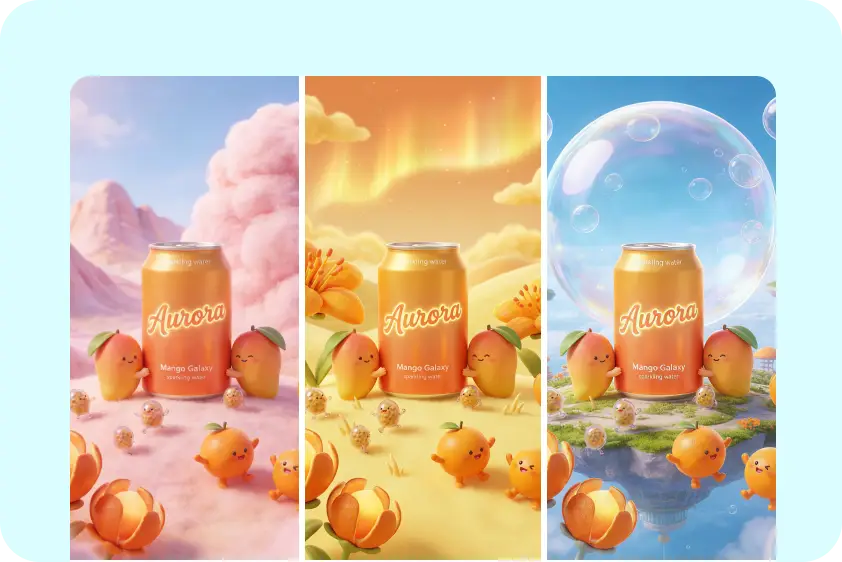
Brand campaigns & Marketing
Brands can produce product demos, hero videos, and promotional content that preserve logos, packaging, color grading, and scene continuity. Dreamina's Seedance video generator allows fast variations suitable for cross-platform distribution. This ensures professional marketing content without complex production workflows.

Film, game & Creative previz
Seedance 2.0 turns storyboards, sketches, or rough clips into cinematic previews with accurate motion, lighting, and scene continuity. It's perfect for filmmakers, game developers, and animators to visualize shots, plan camera paths, and refine multi-scene sequences before full production, leveraging bytedance video generation technology.

Creative & Interactive design
Convert sketches into 3D models, create animated comics, or bring game IPs to life for players. Test effects, camera movements, and interactive characters (including voice-driven androids) for rapid prototyping and design iteration using Seedance image to video features.
How to create videos with Dreamina Seedance 2.0 AI video generator
Step 1: Upload your multimodal references
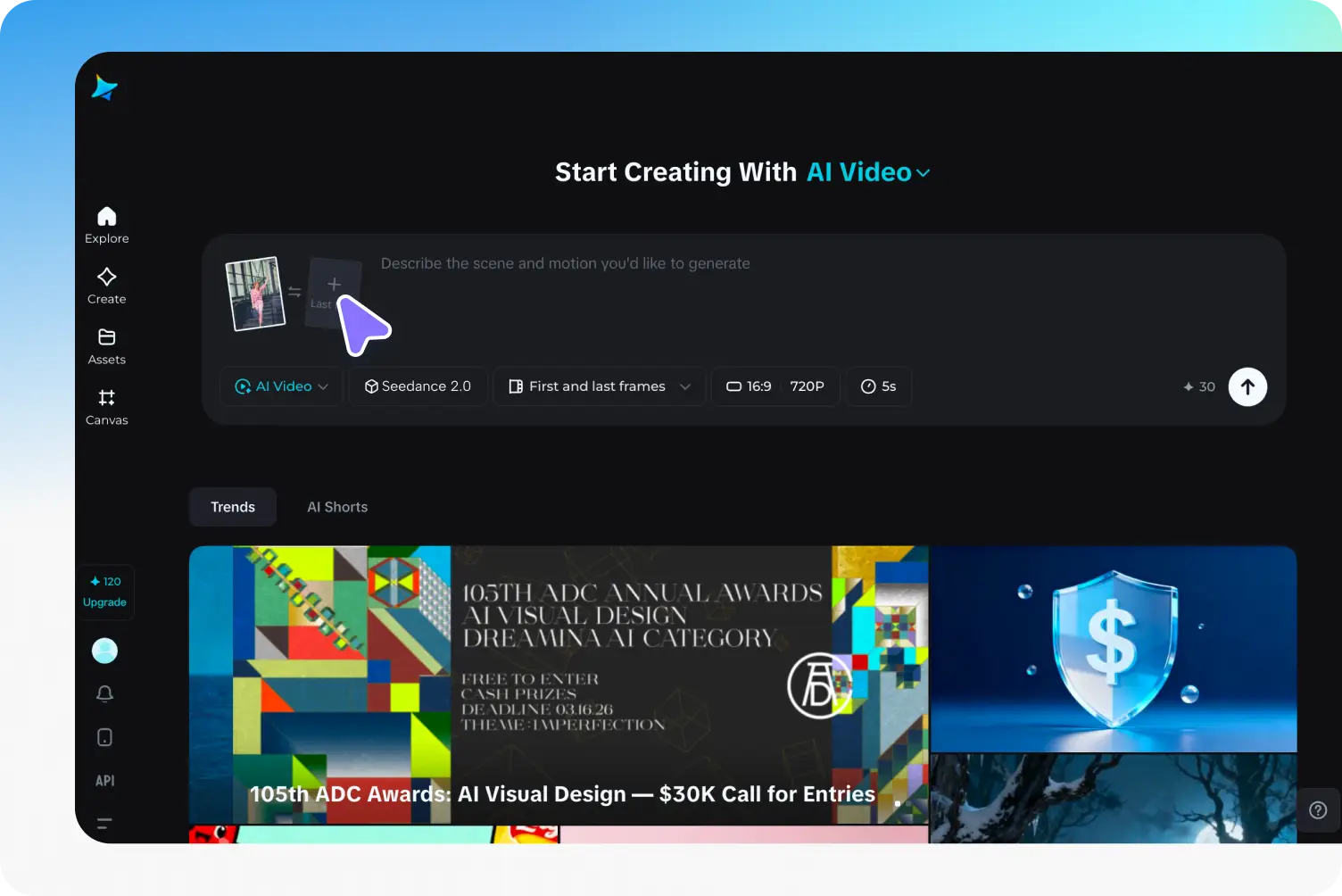
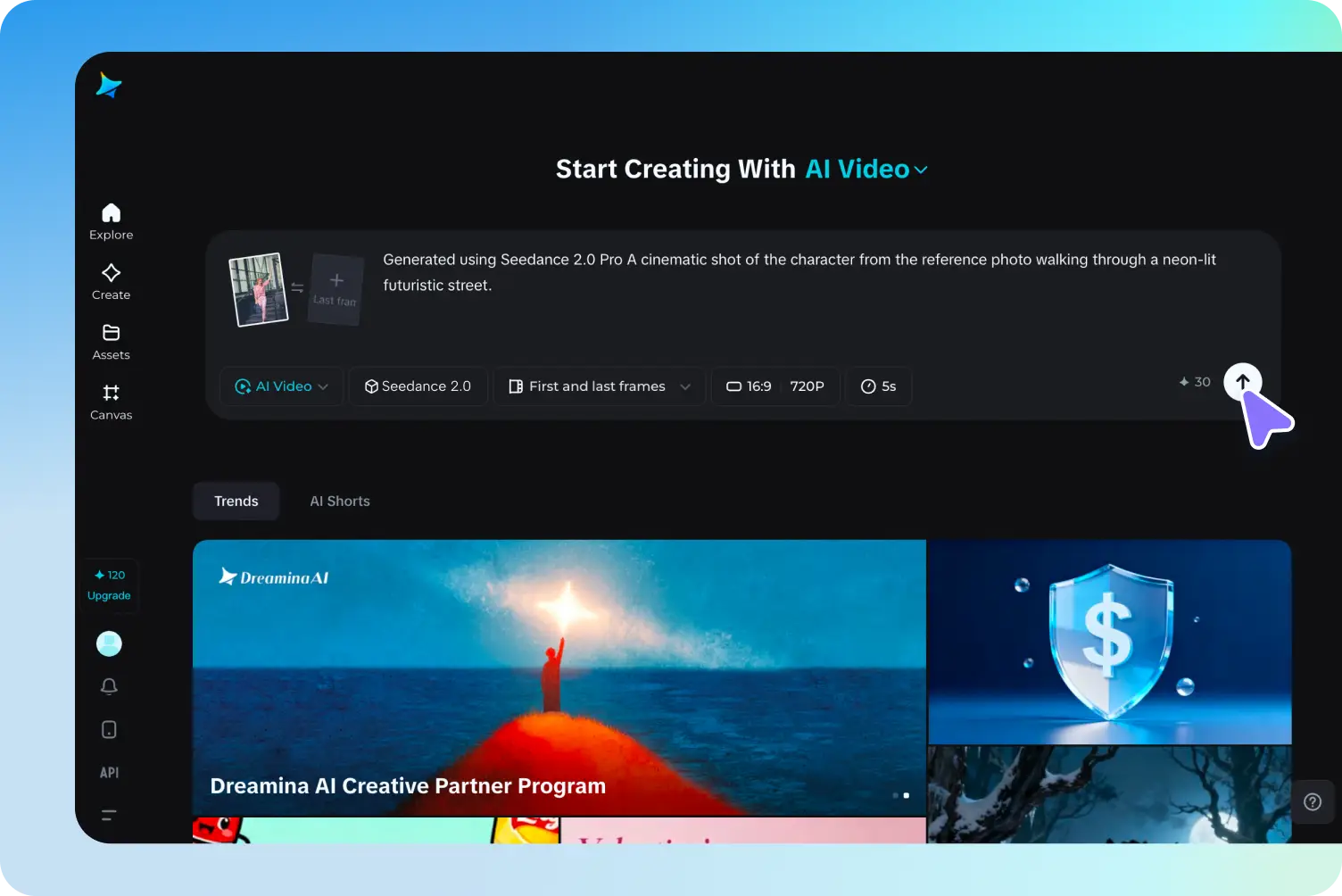
Start by selecting the "Dreamina Seedance 2.0" powered by Seedance 2.0 in Dreamina. Upload your reference images (up to 9), videos (up to 9), and audio (up to 3) to guide the AI on characters, styles, or specific movements. These references help maintain visual consistency and style across your video. Use Seedance image to video references for best results.
Step 2: Define your vision with prompts
- Describe the scene, action, and mood in the prompt box. Example: "A cinematic shot of the character from the reference photo walking through a neon-lit futuristic street."
- Choose the "Aspect ratio": 16:9, 4:3, 1:1, 3:4, 9:16.
- Select the "Resolution": 720p–1080p.
- Set the "Duration": 5s–12s. Seedance API helps guide AI output to match your reference style.
Step 3: Generate, refine, and export
Click the "Generate" icon to create a preview of your video in seconds. After reviewing, refine details or use "Upscale" to enhance resolution. Once satisfied, click "Export" to save your professional-quality seedance video ready for social media, marketing, or creative projects.


Frequently asked questions
What is Dreamina Seedance 2.0, and how does it differ from typical AI video generators?
Dreamina Seedance 2.0 is Dreamina's advanced AI video model that combines images, videos, and optional audio references to produce realistic motion, facial micro-expressions, and consistent ID/IP across multiple scenes. Unlike standard AI video tools, it ensures precise style, character, and scene continuity for professional-quality outputs.
Seedance 2.0 is currently available in early access, with VIP users able to try it for free. It also supports advanced seedance video workflows and Seedance image to video generation for cinematic storytelling.
How many references can I upload, and how should I assign them?
Does Dreamina Seedance 2.0 support voice style guidance and lip‑sync?
How does Seedance ensure ID/IP consistency across scenes and shots?
What workflows are supported for exporting and editing?
What is the Seedance 2.0 Official Website?
What is the difference between Seedance video and Seedance image to video?
Is Dreamina Seedance 2.0 free to use?
Why is AI video generation sometimes slow?
Why did all my Dreamina videos disappear?
Can I run Seedance 2.0 locally or offline?
More tools you may like

Free AI Ads Generator

Free AI VFX Generator

Free AI Kung Fu Video Generator

GPT Image 2 – Advanced AI Image Generator for High-Quality Visuals
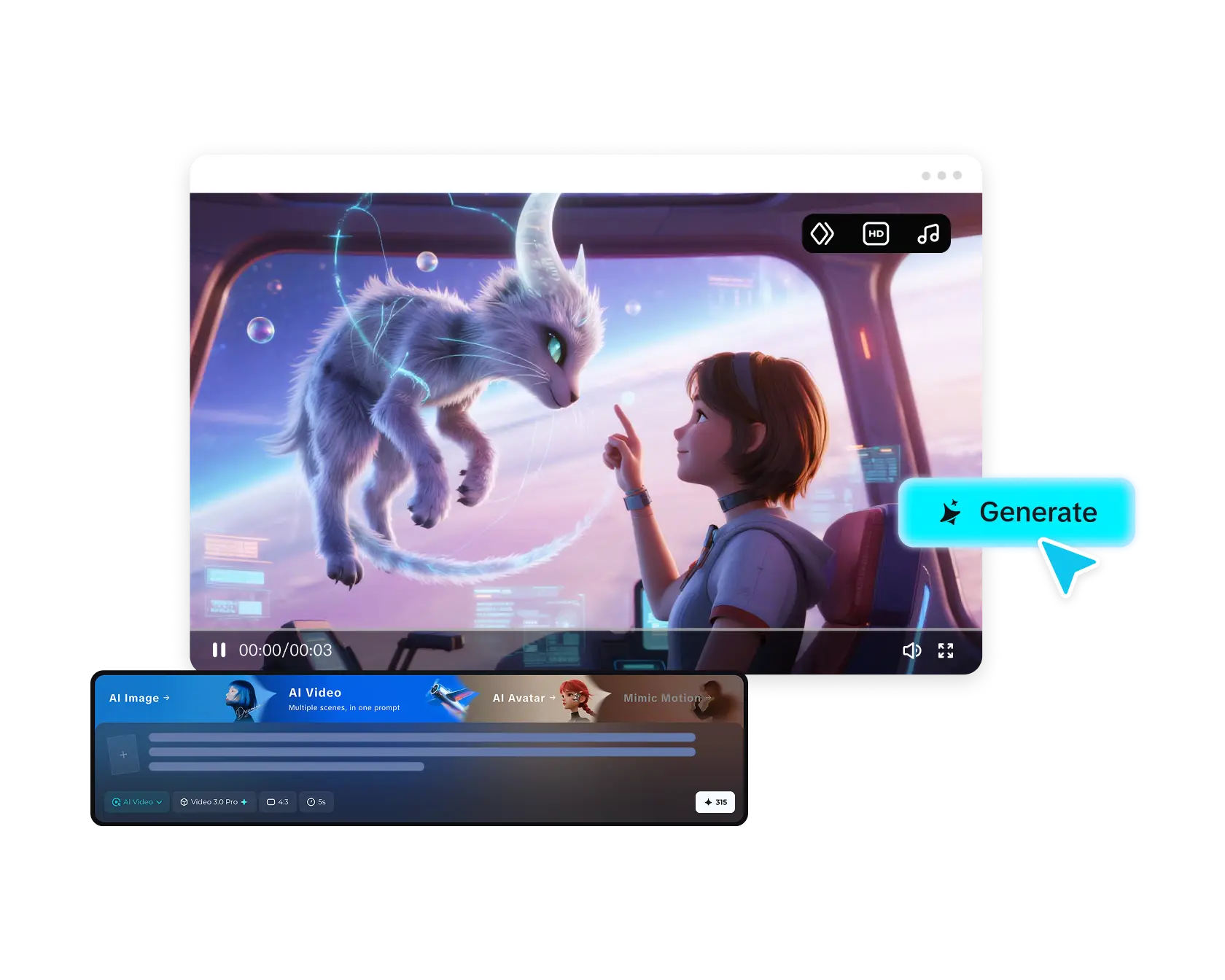
Free AI Video Generator: Text-to-Video & Image-to-Video
Unleash the Power of AI Image Generator
Happy Oyster AI Model

Free AI Haircut Generator
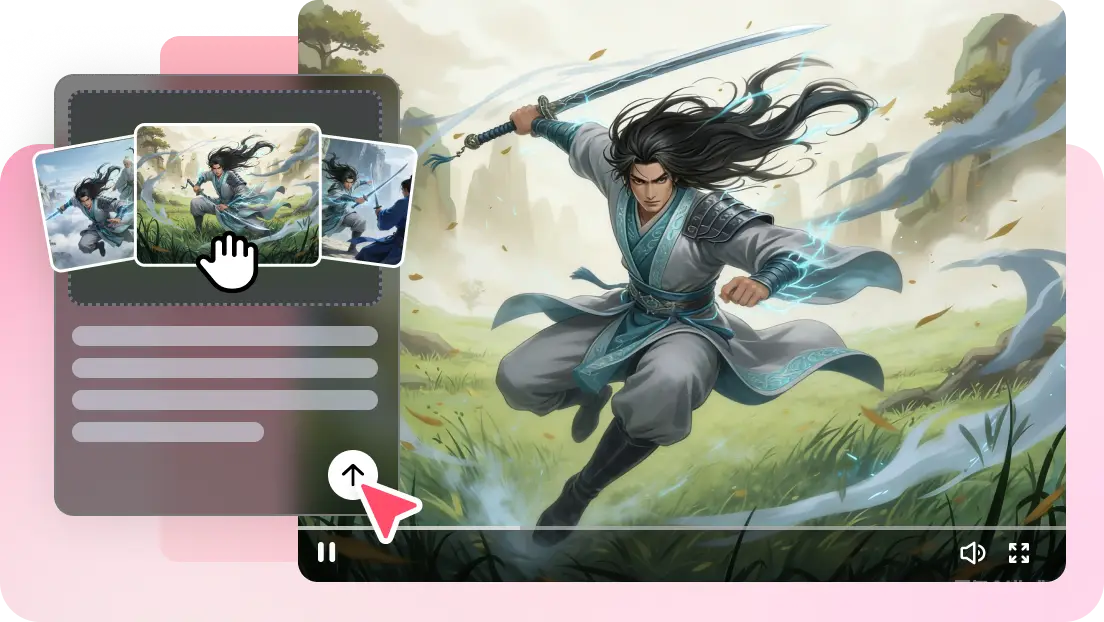
Free AI Fight Video Generator
Bring your video ideas to life with Dreamina Seedance 2.0!
Unleash your creativity with Seedance video generator, Seedance image to video, and bytedance video generation tools. Turn your concepts, images, and audio into cinematic-quality AI videos, all within the official Dreamina platform.