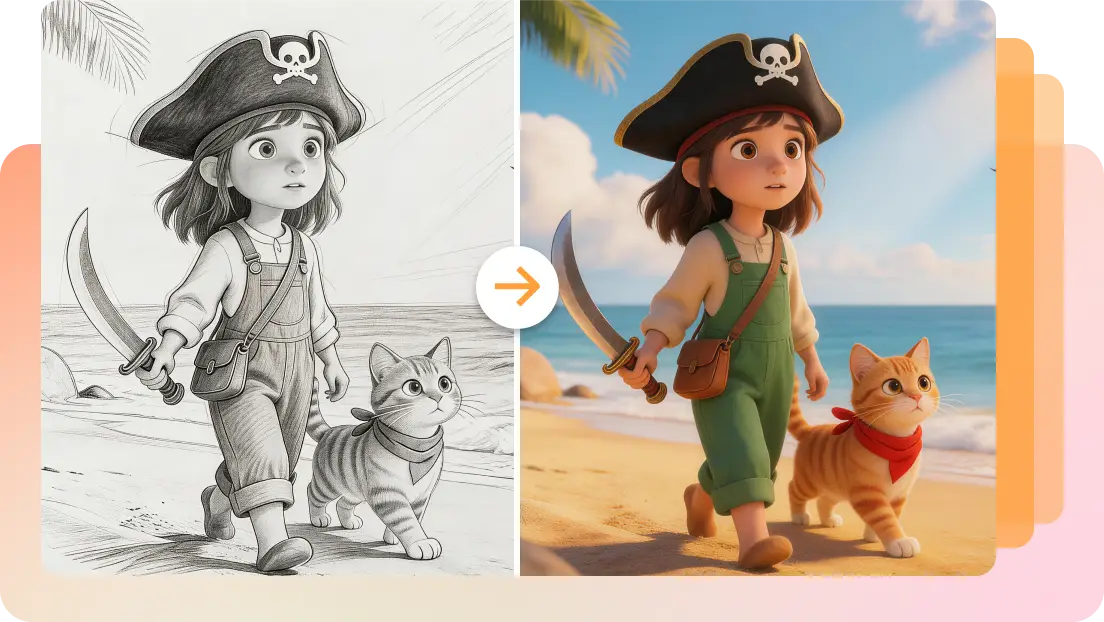
AI Bitmoji Maker for Unique Avatars


Key features of Dreamina's AI Bitmoji maker
Here are some of the key features of Dreamina AI Bitmoji Maker.

Photo-to-Bitmoji with text
Dreamina's Bitmoji maker enables you to use your own photo and turn it into your own cartoon avatar. Generate a realistic Bitmoji with AI using this Bitmoji maker from a photo and add personal text for extra expression. This photo-to-avatar and text customization makes this highly customizable and entertaining.

Creative design customization
Dreamina's avatar maker makes it easy to personalize your Bitmoji with creative design customization. There are many options available to you for hairstyles, outfits, accessories, and backgrounds, so your avatar can represent your personal style.

Expressions, outfits & accessories
Dreamina's Bitmoji editor lets you customize your avatar to fit your preferences by changing facial expressions, clothes, and accessories. You can make your Bitmoji perfectly match your mood and personality, depending on whether you want to be happy, surprised, or any other emotion. Besides, you can use Dreamina's inpainting feature to add fun accessories for a complete look.

Fast & AI-powered design
Dreamina's Bitmoji generator uses the Seedream 5.0 AI model to create avatars fast and accurately. The active development of Bitmojis of 2K-8K quality will allow you to make high-quality avatars in a short time. The high processing rate makes it the best Bitmoji maker online for students, thus offering a smooth and efficient experience of avatar creation with spectacular outcomes.
Benefits of using Dreamina Bitmoji avatar maker
Here are the key benefits of using Dreamina Bitmoji maker online.

Say no to default Bitmojis
When using Dreamina's AI cartoon generator, customize every detail of your Bitmoji—facial features, outfits, and accessories, for a truly personalized avatar that reflects your style and personality.

Design personalized avatars at no cost
With Dreamina's AI face generator, create your own Bitmoji at no cost. Customize every detail for social media, play, or fun—an easy, free way to get a personal avatar. Get started with this free Bitmoji maker and create personal avatars instantly.

Share and impress anywhere
Once you create a custom Bitmoji, easily export it for use on social media, professional profiles, or marketing materials. With Dreamina's 2D Bitmoji maker, showcase an avatar that reflects your personality and impress others wherever you share it.
Explore the scenarios of Dreamina, the Bitmoji online creator.
Here are some scenarios where Dreamina Bitmoji avatar creator can help:

Create personalized social media avatars
Dreamina's Bitmoji maker enables you to create a personalized avatar that will capture your personality in your social media account. On Instagram, Twitter, or Facebook, your Bitmoji is able to give your online profile a personal touch. Personalize every detail, including your avatar's expression, clothing, and more, to make it an ideal reflection of yourself.

Enhance gaming or streaming profiles
Dreamina is an excellent idea to enhance the gaming or streaming experience of gamers and streamers. This 3D Bitmoji maker helps create expressive Bitmojis that can be used on platforms such as Twitch, YouTube, and Discord. By designing an avatar to be used in the channel profile or an entertaining character that the audience will associate with.

Design avatars for branding or marketing
Dreamina's Bitmoji maker can also be used to create business or marketing avatars. Dreamina can help you with a special character of your brand's social media pages, website, or other sources of promotion. It is a relatively affordable method to make your branding and marketing content more personal. Harness the power of this Bitmoji maker online for free with no sign-up hassle and create personalized avatars like never before.
How to use Dreamina Bitmoji maker online for free
Step 1: Launch Dreamina and upload a reference image
Open Dreamina in your web browser and click the "AI Image" option in the main menu. Use the "+" icon to upload a clear reference photo of the person you want to turn into a Bitmoji-style avatar. Type a descriptive prompt mentioning all elements related to your Bitmoji, including clothes, hair color, etc.
Step 2: Select the image model & generate the image
Furthermore, you can select the image model, Image 5.0 Lite, to create a super-realistic image. Choose the image aspect ratio and resolution settings, then click "Generate" to create the Bitmoji.
Step 3: Download your Bitmoji
Review the generated results and pick the version you like best. Click "Download" to save the Bitmoji image to your device for use in social media, messaging, or profile pictures.


Frequently asked questions
Are the styles of Bitmoji limited to one type?
No, Dreamina's Bitmoji maker from photo provides a wide range of customizable styles for your Bitmoji. You are able to customize everything about your avatar, such as facial expression and clothing, as well as accessories and backgrounds. This enables you to have an avatar that aligns excellently with your personality and preferences.
Can I use my AI Bitmoji across different platforms?
Can I make multiple Bitmojis at the same time?
How do I generate a unique Bitmoji using AI?
What is the resolution quality of Bitmoji images?
More tools you may like
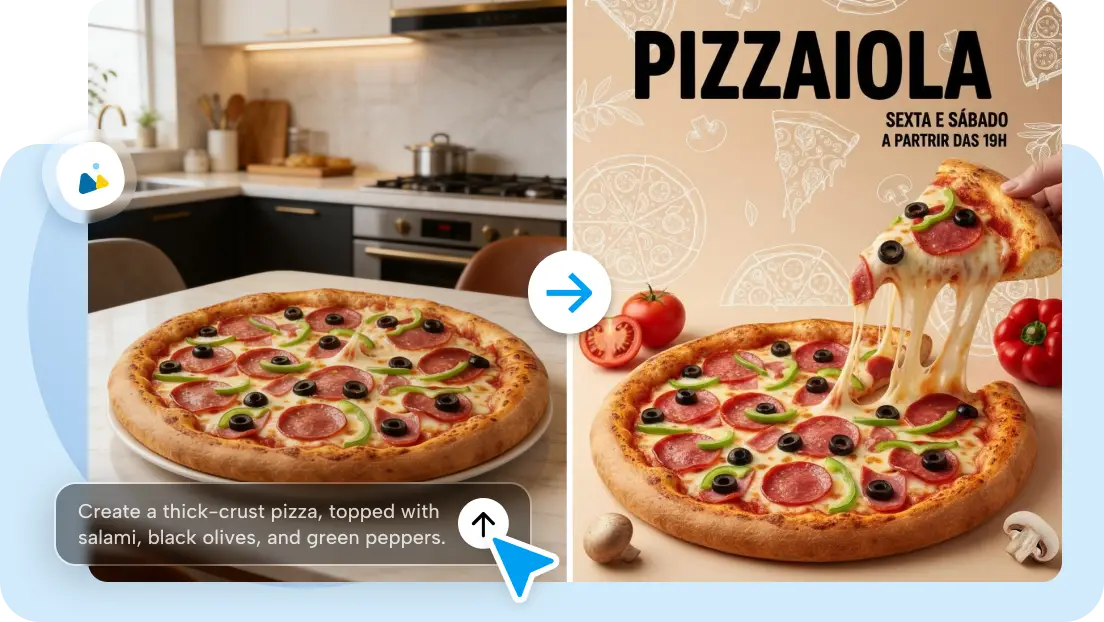
Free AI Social Media Post Creator

Free Claymation Style AI Generator

Easter AI Video Generator – Create Viral Bunny & Easter Videos Free

Gemini Ram Navami AI Photo Generator

Free AI Spring Image Generator
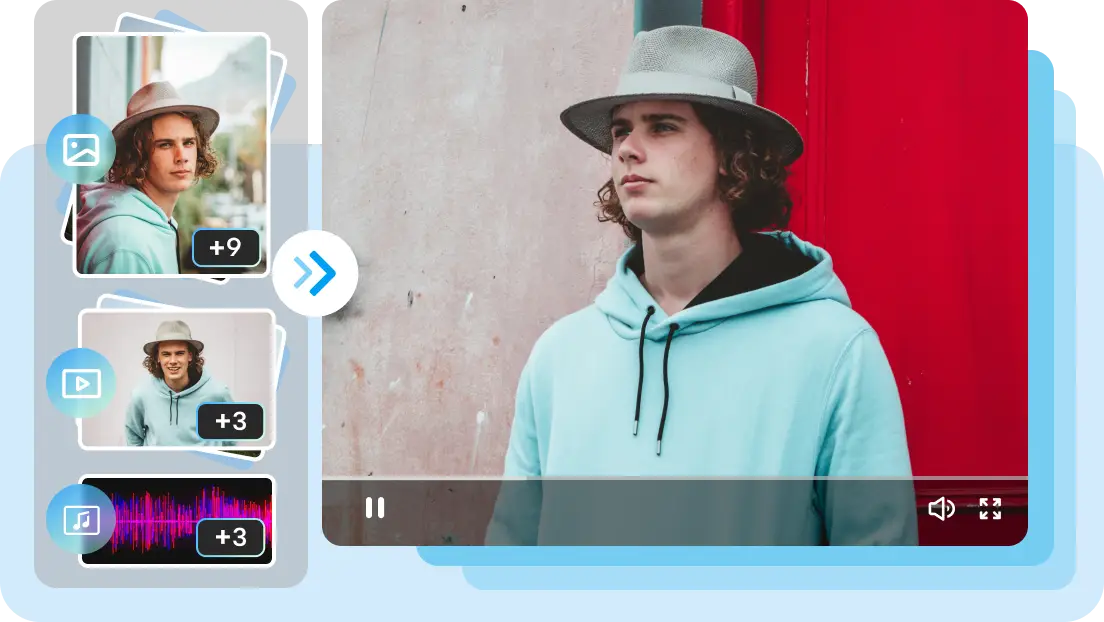
Dreamina Seedance 2.0 AI Video Generator: Best Multimodal Control | Seedance 2.0 Official Site

Free AI Icon Generator Online

Free AI Thumbnail Maker